
Article 13 of 13
Getting help
Call or text (702) 605-4550, or email brandon@getcallcovered.com. The support number is also at the top of your dashboard and the carrier registration form.
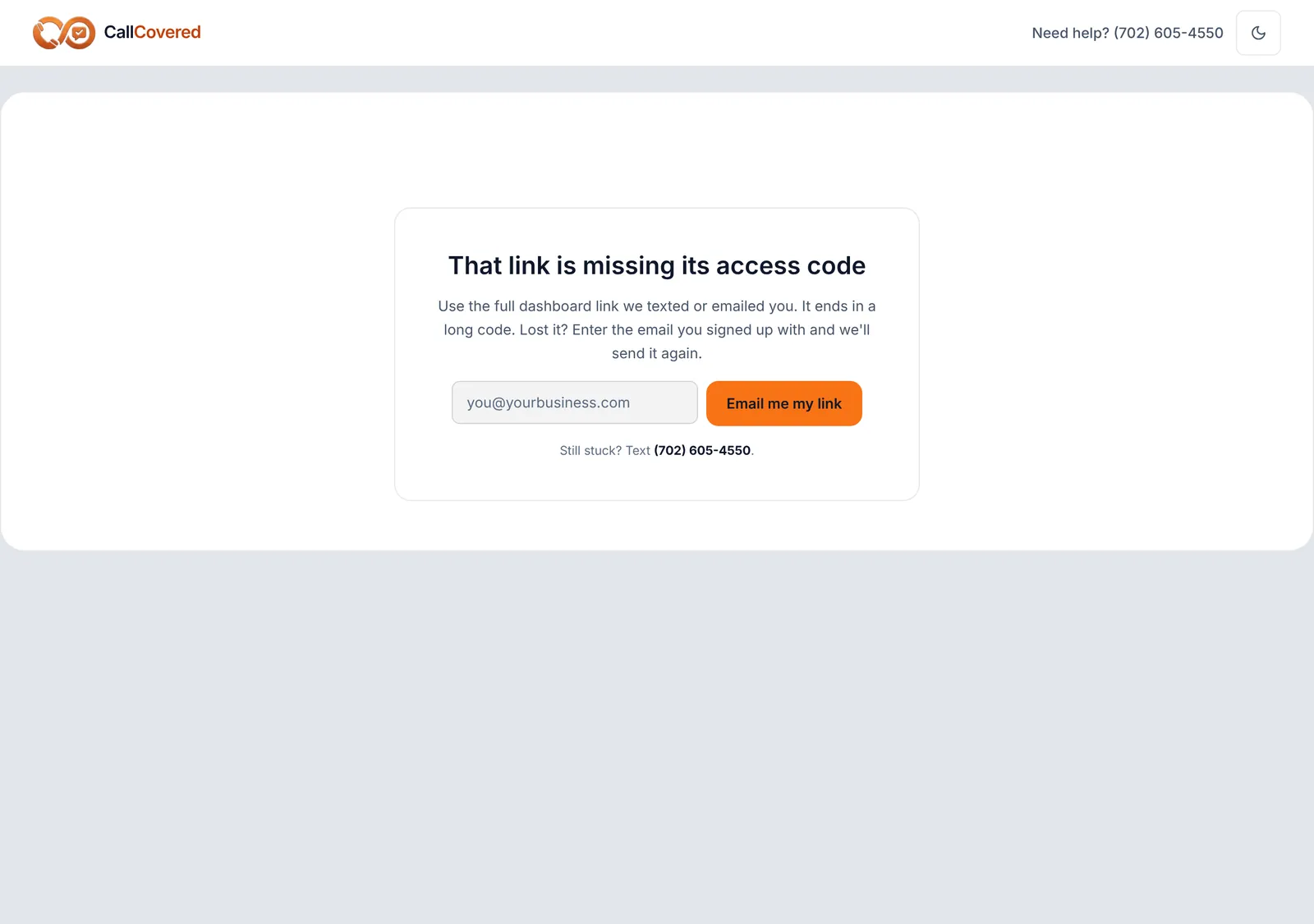
Lost your dashboard link? Open getcallcovered.com/dashboard, enter the email you signed up with and tap Email me my link. We send the same link again; it doesn't expire.
Something's off
| What you notice | What to do |
|---|---|
| A caller says they never got a text. | Call your business number from another phone and let it ring out. If no text comes, your call forwarding is probably off. Dial the forwarding code again, or call us. Landline callers can't receive texts. |
| A reply went to the wrong customer. | A plain reply goes to whoever you last texted with. To pick someone, start your text with their number. |
| A command came back "nothing was sent". | The text says why. Add your payment link, fix the time or number, or call the customer if they opted out. |
| CALL rang but nobody was connected. | You have to press 1 after you answer. If you don't, the call ends there on purpose. |
| REVIEW says the Review Engine isn't set up. | Send us your Google review link. |
| New cell number, or you want to change your text-back. | Call or email us. |
Printed help. Your dashboard links to the Customer Guide (PDF), which covers replies and the commands, and to wallet cards with the four commands, ten to a sheet. Print the cards at 100% with background graphics on.
Still stuck? Talk to a person.
Call or text the support line, or send an email.