
Article 4 of 13
After you pay: your number, carrier registration and going live
After you pay, we reserve your CallCovered number and email it to you. Calls work right away. Texting switches on once carrier registration clears, and we email you when you are live.
1. Your number. We buy a local number in the area code you asked for. If no number is free in that area code, we don't hand you a far-away number without sorting it out with you first. You get an email headed "Your CallCovered number for [your business] is reserved". It shows the number and your next step:
- Forwarding customers: set conditional call forwarding on your existing line (see the next article).
- New-line customers: put the number on your Google Business Profile, your truck and your signs.
2. Carrier registration (A2P 10DLC). US carriers require every business that sends automated texts to register. Until it clears, your number takes calls but cannot text. The same email, and your dashboard, have a Complete carrier registration button. It opens a short form. On Done-For-You, we check what you enter and your website for carrier compliance before we submit it:
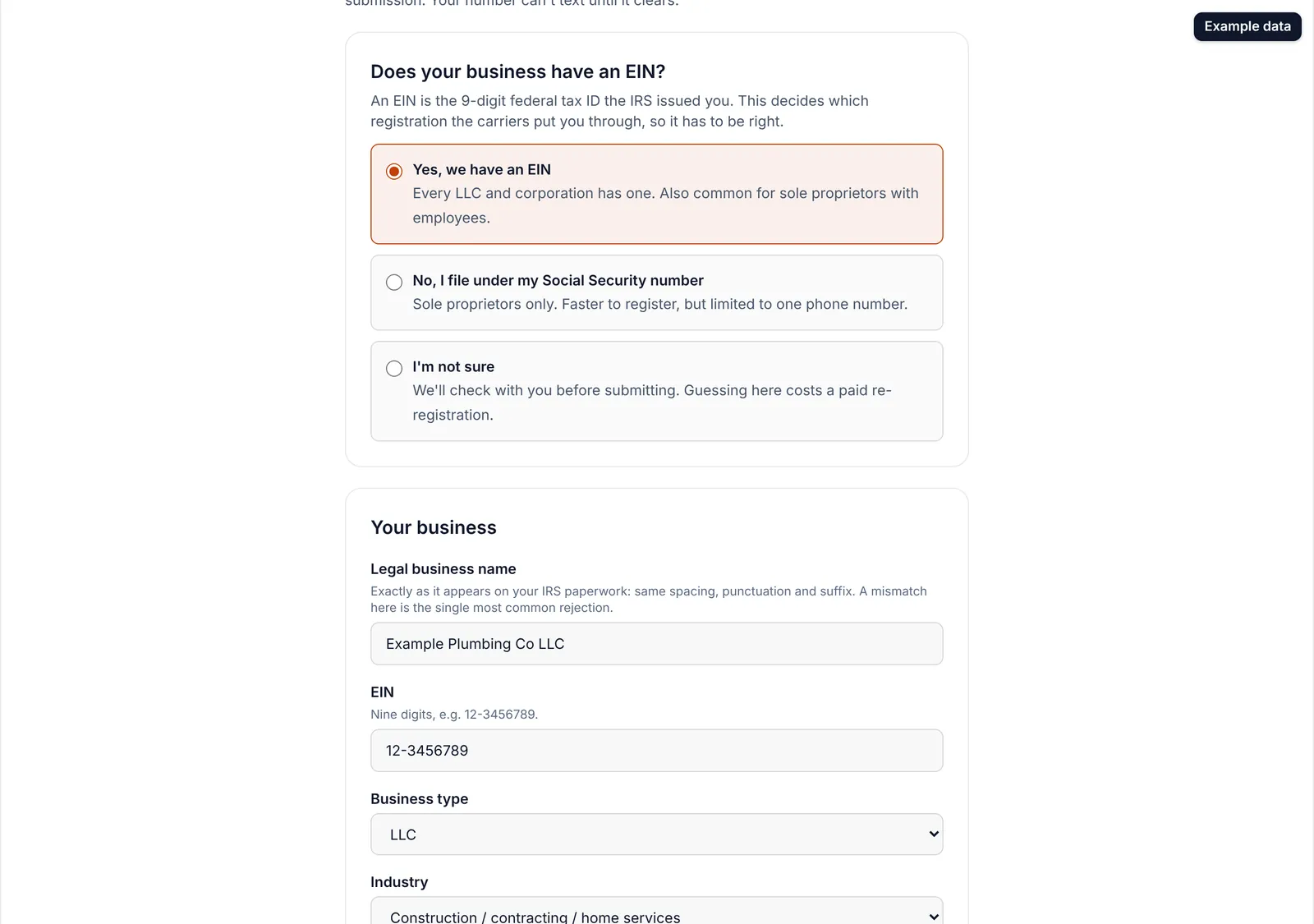
- Answer "Does your business have an EIN?" Pick Yes, No (you file under your Social Security number), or I'm not sure. If you're not sure, call or text (702) 605-4550 before filling anything in. A wrong answer here costs a paid re-registration.
- With an EIN: enter your legal business name exactly as it is on your IRS paperwork, the EIN, business type, industry and website. The carriers open your website, so a parked domain or a login page gets rejected. If the form offers a page we host for you, you can leave Website blank.
- Without an EIN: pick your industry. You are limited to one phone number and a lower daily message limit. That is a carrier rule, not ours.
- Enter your business address.
- Enter who is authorizing it. Without an EIN this must be you, with your personal cell. It cannot be your CallCovered number or a landline.
- Tick the box confirming the details are accurate, and tap Submit registration.
Without an EIN, the carrier sends a verification text to the cell you entered. Reply to it, or the registration cannot complete.
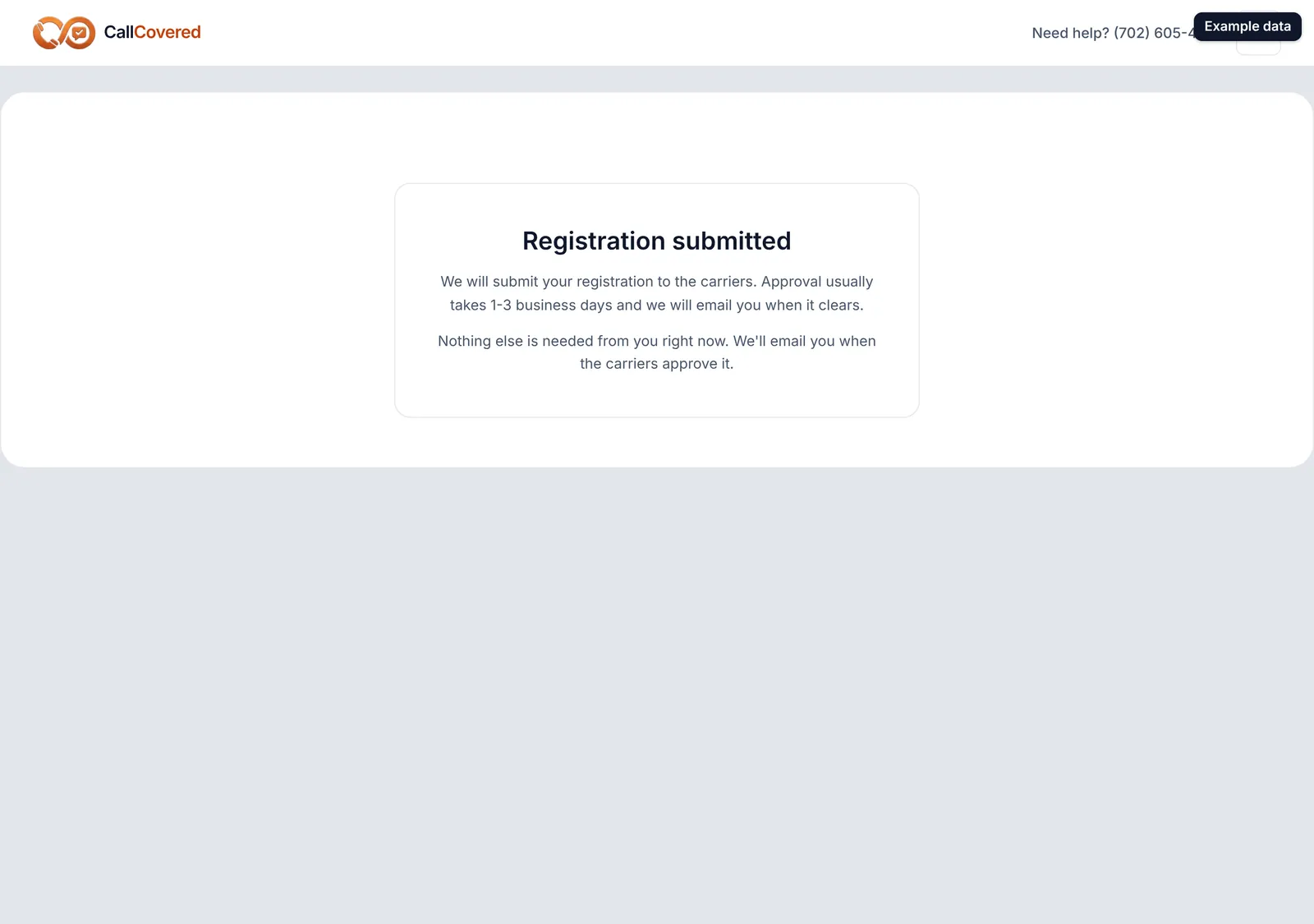
3. How long it takes. Once your details are submitted, registration usually takes 1 to 2 weeks, sometimes sooner. Your dashboard shows where it stands.
While you wait, your dashboard shows "Setting up" and your number shows "Carrier registration pending". If a registration hits a problem, the number shows "Registration issue: we're on it".
4. You're live. When registration clears you get an email: "You're live: [your business] is now catching missed calls". It links to your dashboard and the Customer Guide. Test it right away: call your business number from another phone, let it ring out, and the text lands on that phone.
Still stuck? Talk to a person.
Call or text the support line, or send an email.